





user guides
How to add custom event fields with metadata in idloom
Event metadata in idloom adds custom fields such as department, cost center, or region to your events, as text, choice lists, or dates.…
user guides
How to organise events and attendees with tags in idloom
Tags in idloom are colour-coded labels for events and attendees, created once at account or profile level and reused everywhere: event…
user guides
Turn a registration field into a live search box using your own spreadsheet
Upload an Excel or CSV file once, and idloom's Lookup integration handles the rest — attendees search and select as they type, with other…
user guides
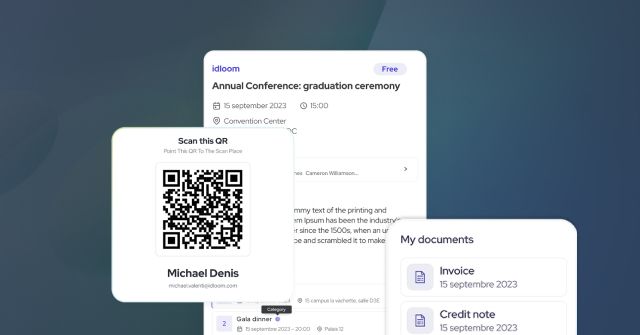
How to check-in your attendees on site
The event check-in page puts scanning, searching, editing and printing on one mobile-first page.
user guides
How to give your team access to check-in
Give check-in access without creating idloom accounts or configuring roles. Operators reach the check-in page only, never your back office.
user guides
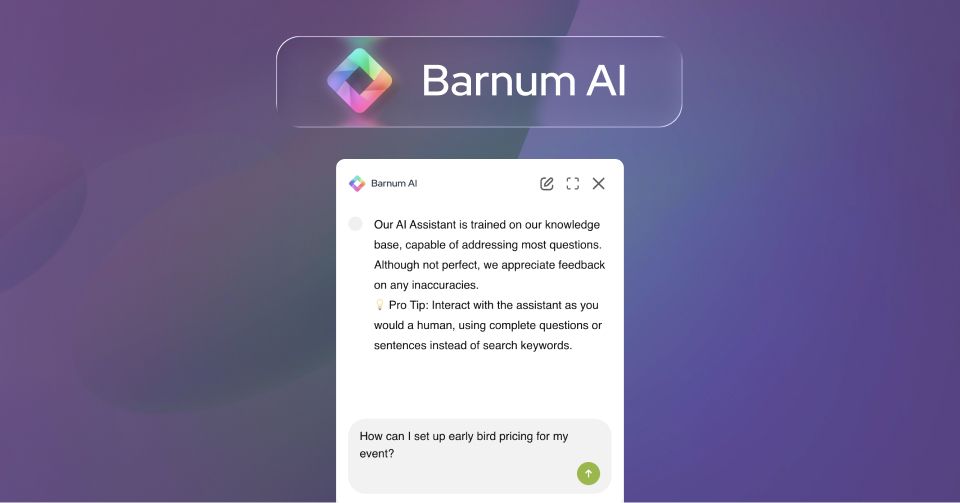
Barnum AI assistant for your attendees
Add idloom's AI assistant to your event website. Answer attendee questions automatically in any language, and train it with your own content…
user guides
How to set up participation categories, groups, and options in idloom
idloom's ticket structure is built on three layers: participation categories, option groups, and options. Categories are mandatory; groups…
user guides
How to create custom event badges in idloom
idloom's badge module lets event organizers design, segment, and print attendee badges directly from the event backend. This guide covers…
user guides
How to send attendee data to HubSpot using Structured JSON Payload
This guide explains how to configure idloom's Structured JSON Payload mode to create HubSpot contacts from attendee registrations — covering…
user guides
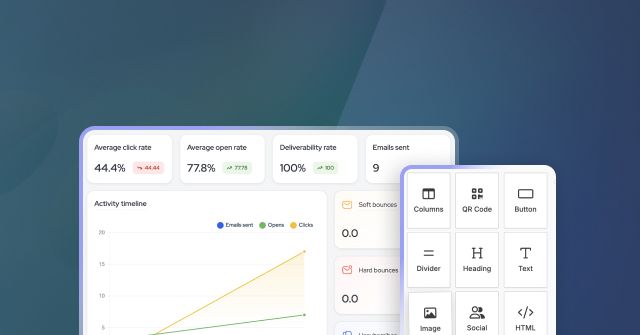
Event email marketing: campaigns, templates, and performance tracking
idloom's emailing module covers the full campaign workflow inside your event management platform. This guide explains how to create and send…

user guides
Send custom JSON payloads from idloom
Shape the exact JSON idloom sends to your CRM or webhook endpoint.
user guides
Activate idloom pay and start collecting payments quickly
Learn how to onboard to idloom pay, powered by Shift4, and start processing secure payments directly within your event registrations.
user guides
Collect down payments for event registrations
Allow attendees to pay a deposit during registration and automatically receive a payment request for the remaining balance, all from one…

newsuser guides
Online Event Management with Cisco Webex
Create your Webex meeting rooms without ever leaving the backend of idloom.